 AlgoShift
Set your preferences
Prioritize topics and manage keyword, language and source rules separately for each platform.
Content preferences for Android
Organize your interests, set aside topics you would rather see less, and learn the controls for the feeds you use.
View on Google Play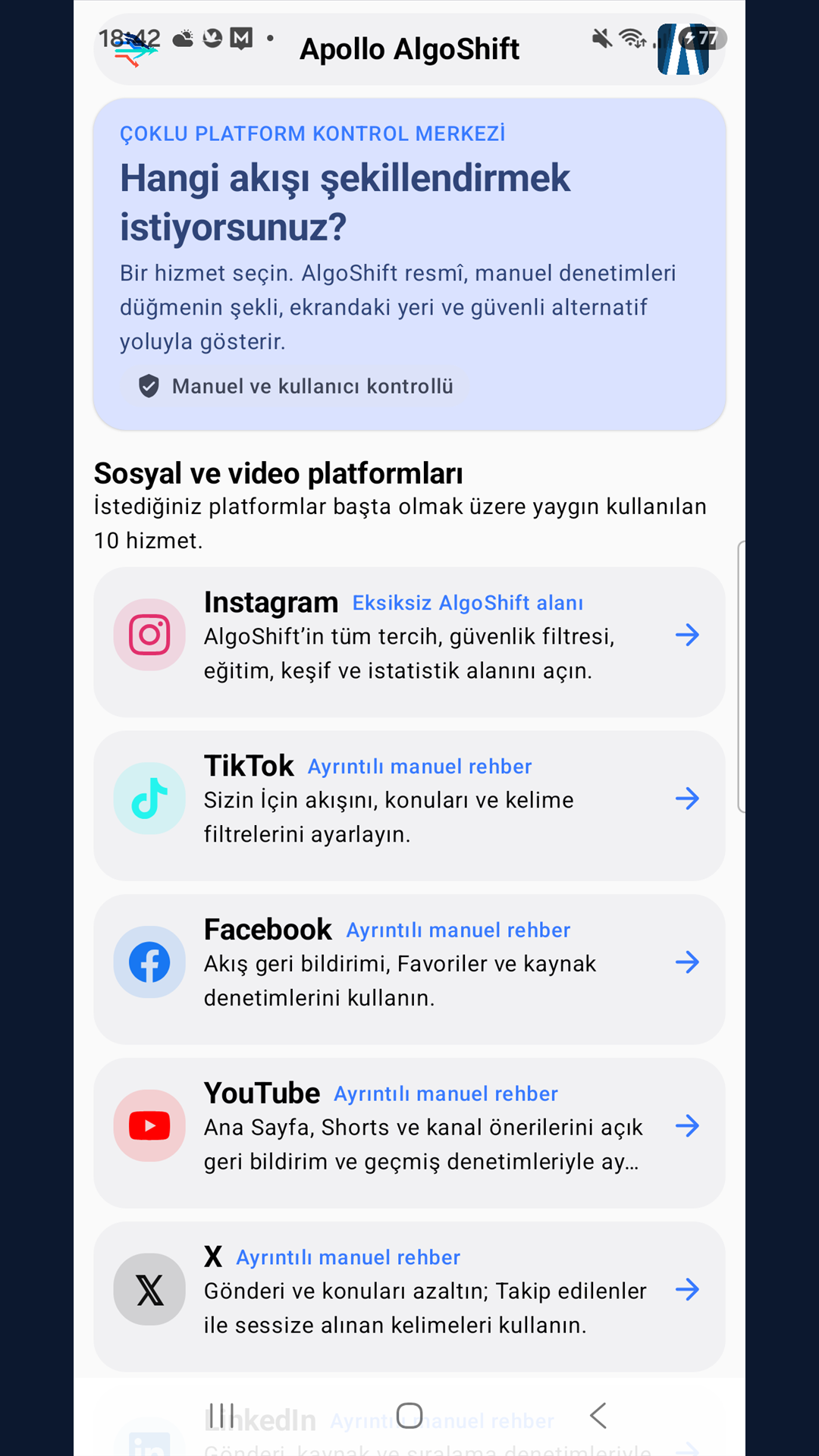
Prioritize topics and manage keyword, language and source rules separately for each platform.
Save links from the Android share menu and see why items appear in your local Discovery feed.
Recognize controls across 20 services with button icons and menu directions. Make the changes yourself and record what you observe.